


Retro Elimination Flashcards 2


Купить Retro Elimination Flashcards 2, игра на ПК | Steam
Вы приобретаете игру в Steam, которую получите ПОДАРКОМ на Ваш аккаунт. Это происходит автоматически 24\7 без праздников и выходных.Процесс получения гифта очень простой и занимает пару минут:
- После оплаты к вам в друзья Steam добавится бот. Пожалуйста, примите его в друзья, чтобы получить игру.
- После добавления, вам будет отправлен подарок в виде игры - нужно принять его.
- Игра у вас на аккаунте - можно играть.
Описание
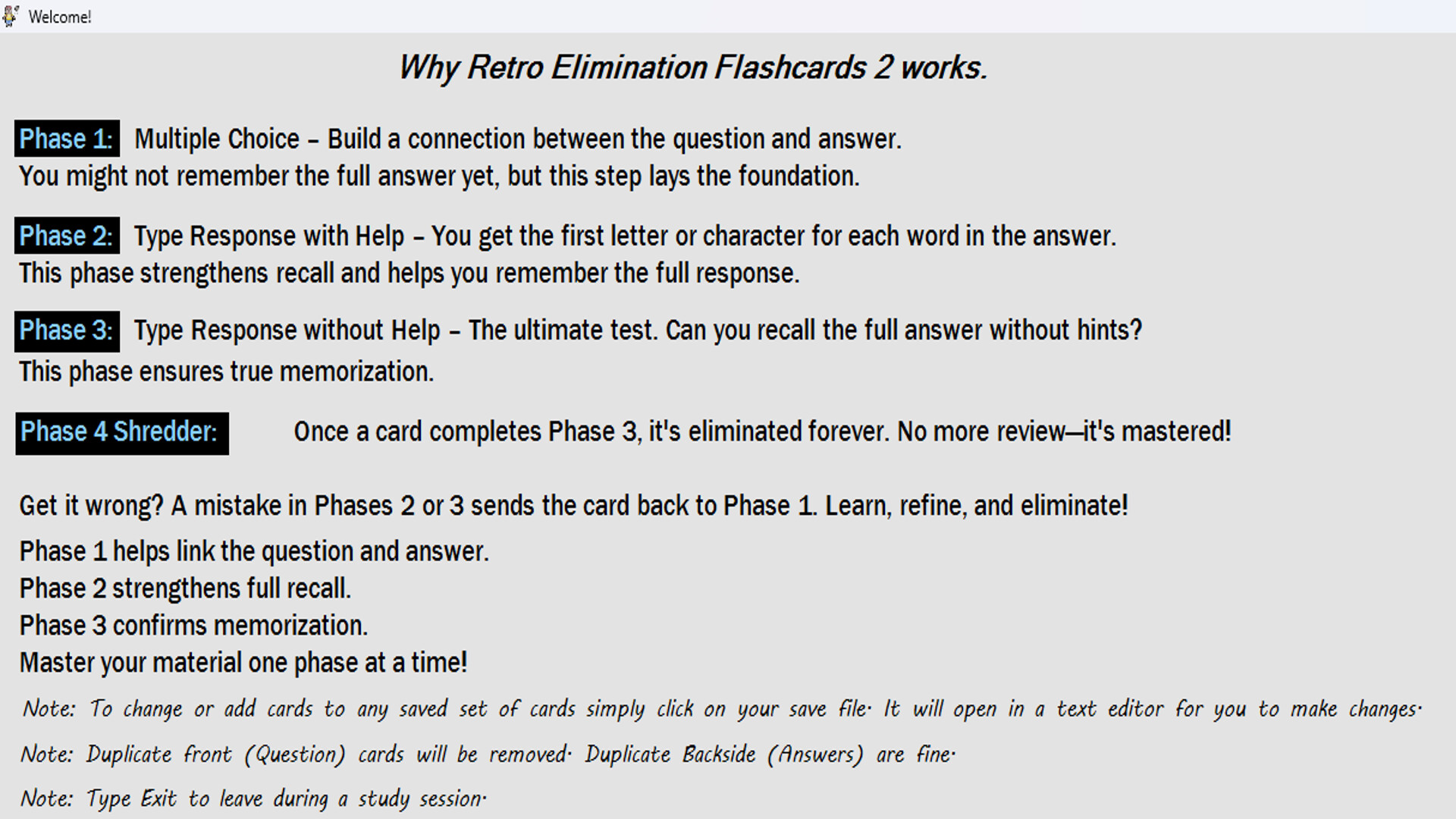
Why Retro Elimination Flashcards 2 Works
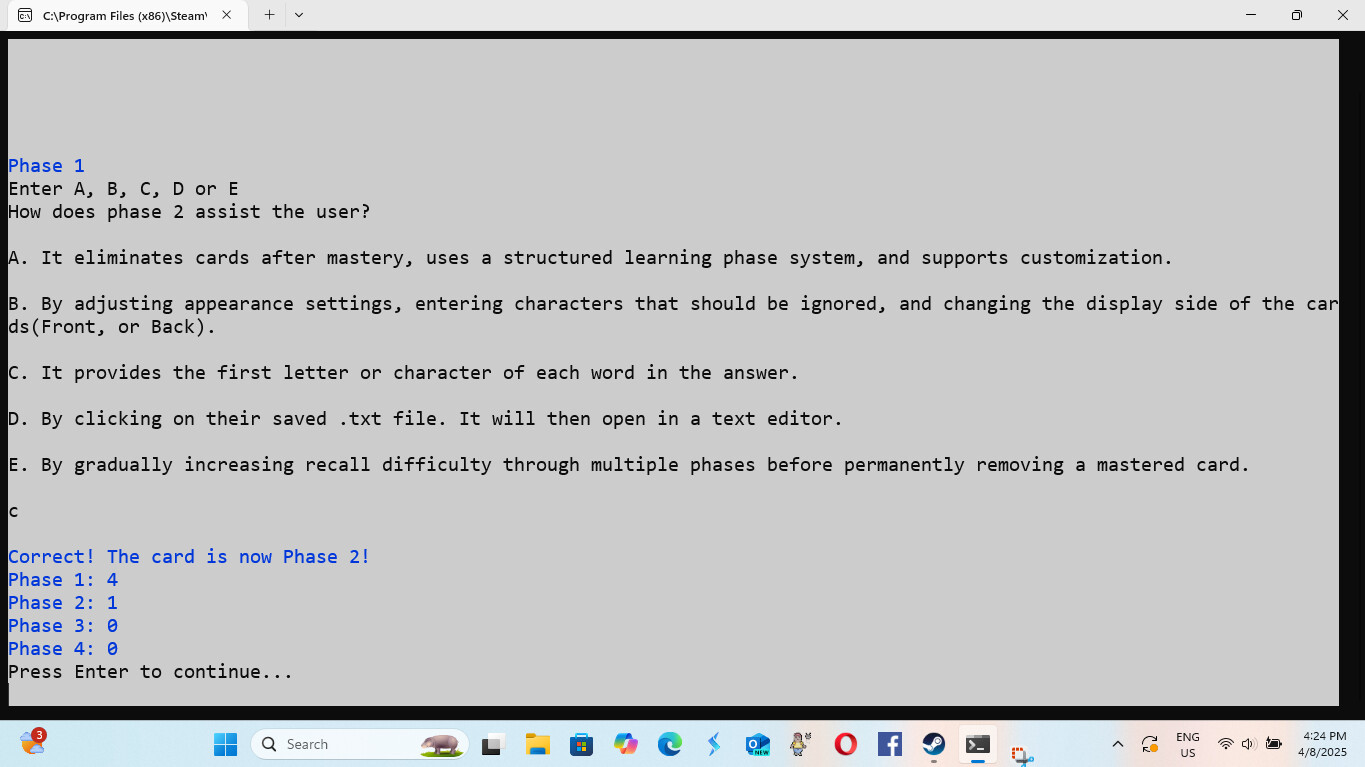
Phase 1: Multiple Choice – Build a connection between the question and answer. You might not remember the full answer yet, but this step lays the foundation.
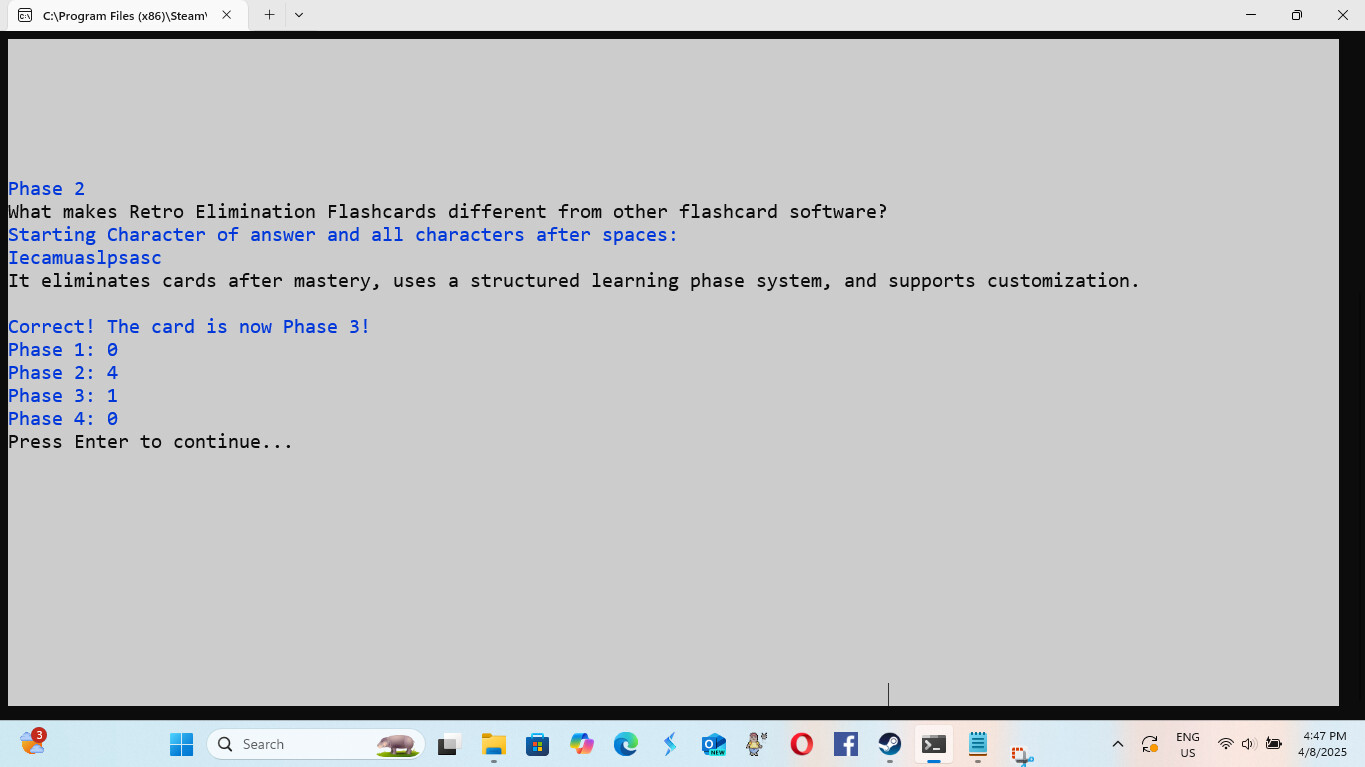
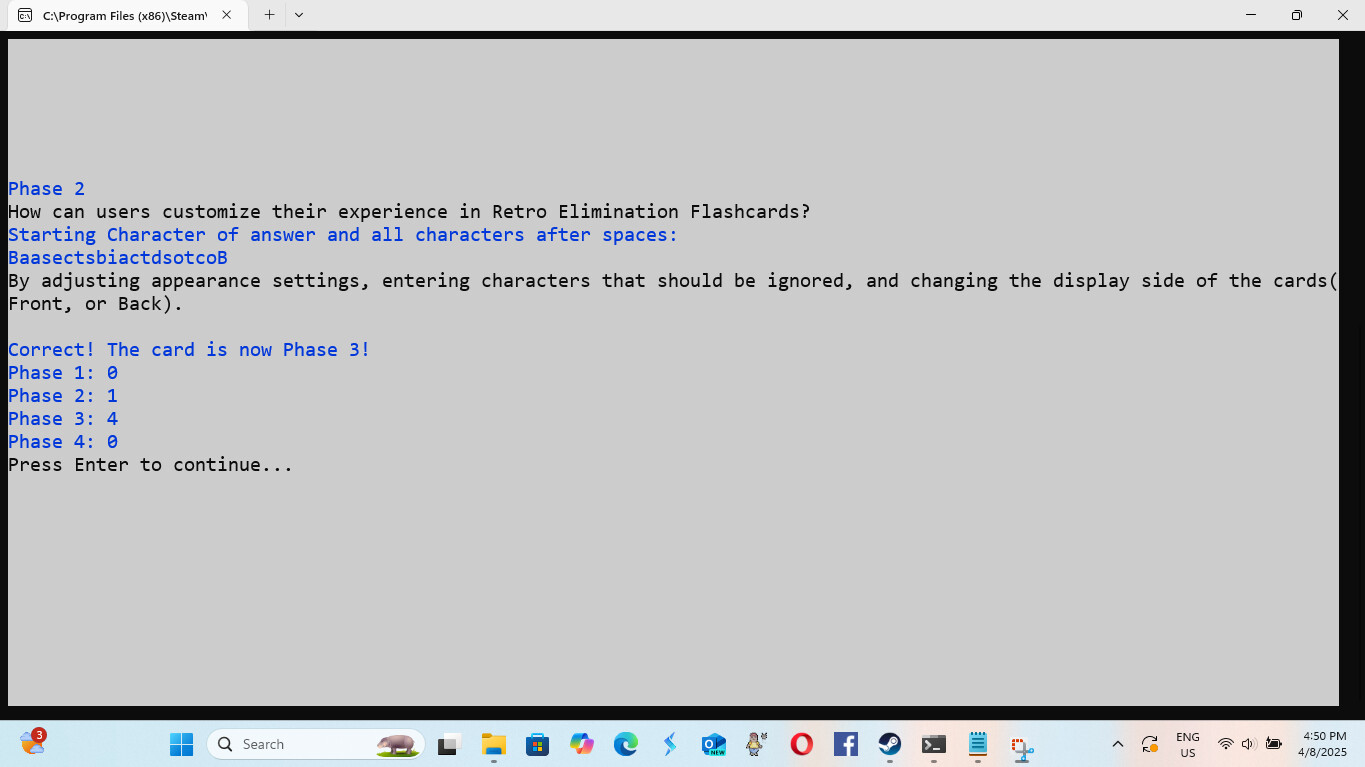
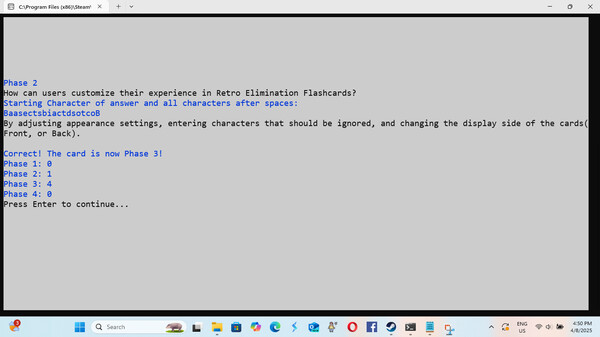
Phase 2: Type Response with Help – You get the first letter or character for each word in the answer. This phase strengthens recall and helps you remember the full response.
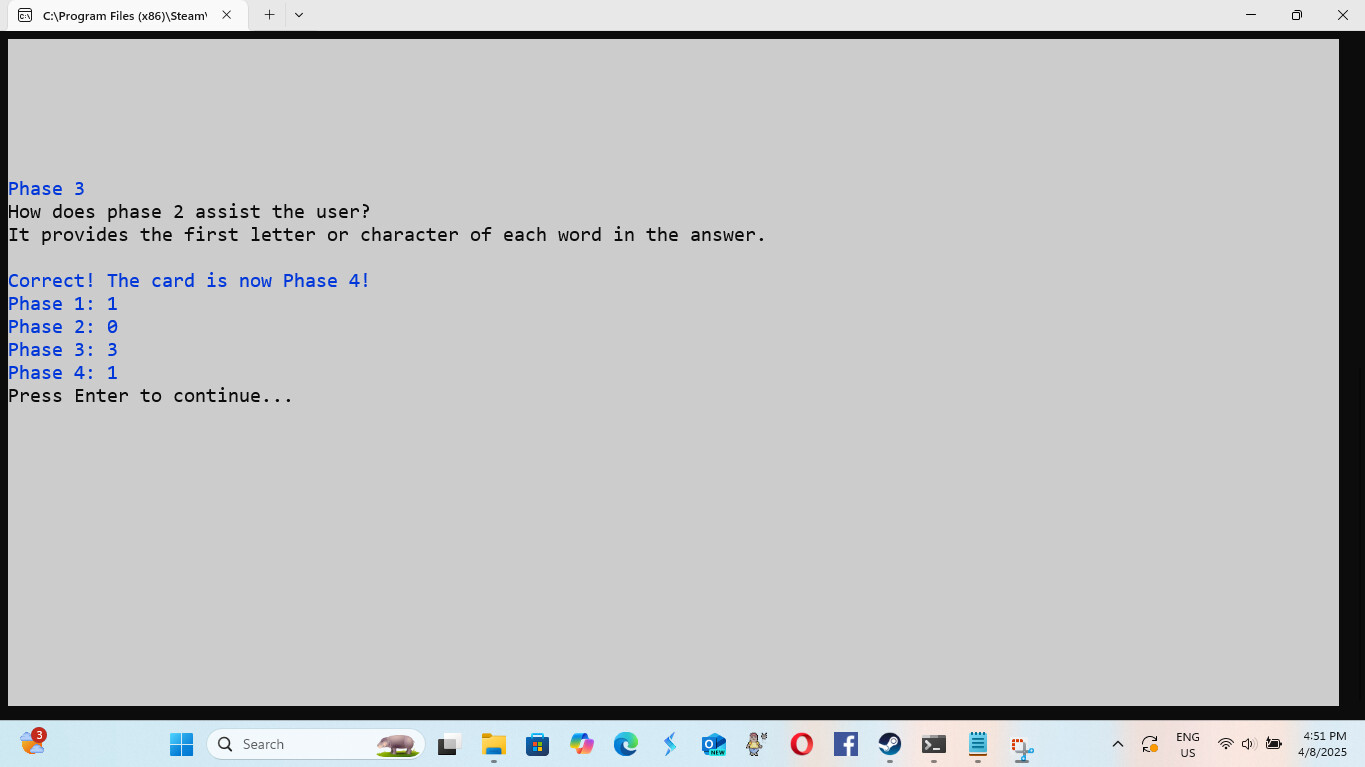
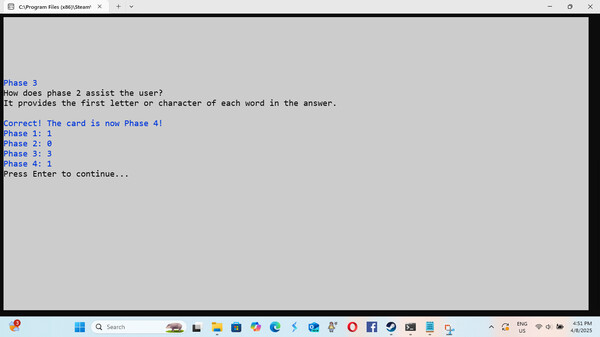
Phase 3: Type Response without Help – The ultimate test. Can you recall the full answer without hints? This phase ensures true memorization.
Phase 4 - Shredder: Once a card completes Phase 3, it's eliminated forever. No more review—it's mastered!
Get it wrong? A mistake in Phases 2 or 3 sends the card back to Phase 1. Learn, refine, and eliminate!
How it all comes together:
Phase 1 helps link the question and answer.
Phase 2 strengthens full recall.
Phase 3 confirms memorization.
Master your material one phase at a time!
You'll work with up to ten cards at a time to help you stay focused and avoid feeling overwhelmed. A new card will only appear once one of your current cards reaches Phase 4 in the learning process.
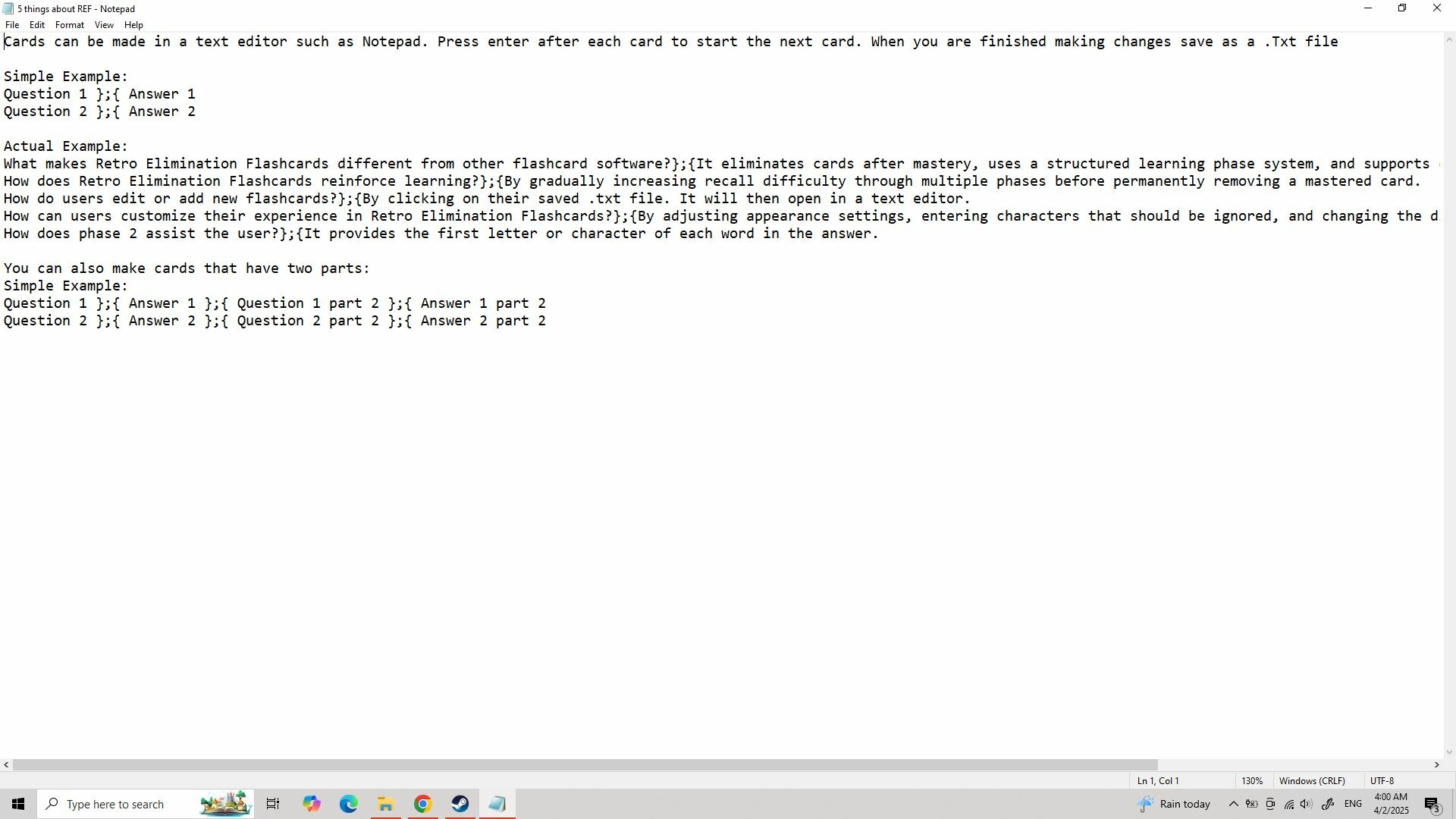
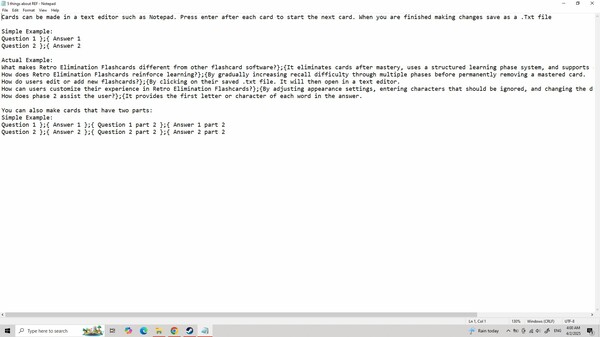
Note: When you want to add or edit cards in any deck you've already made simply click on your saved .txt file. It will then open in a text editor such as Notepad.
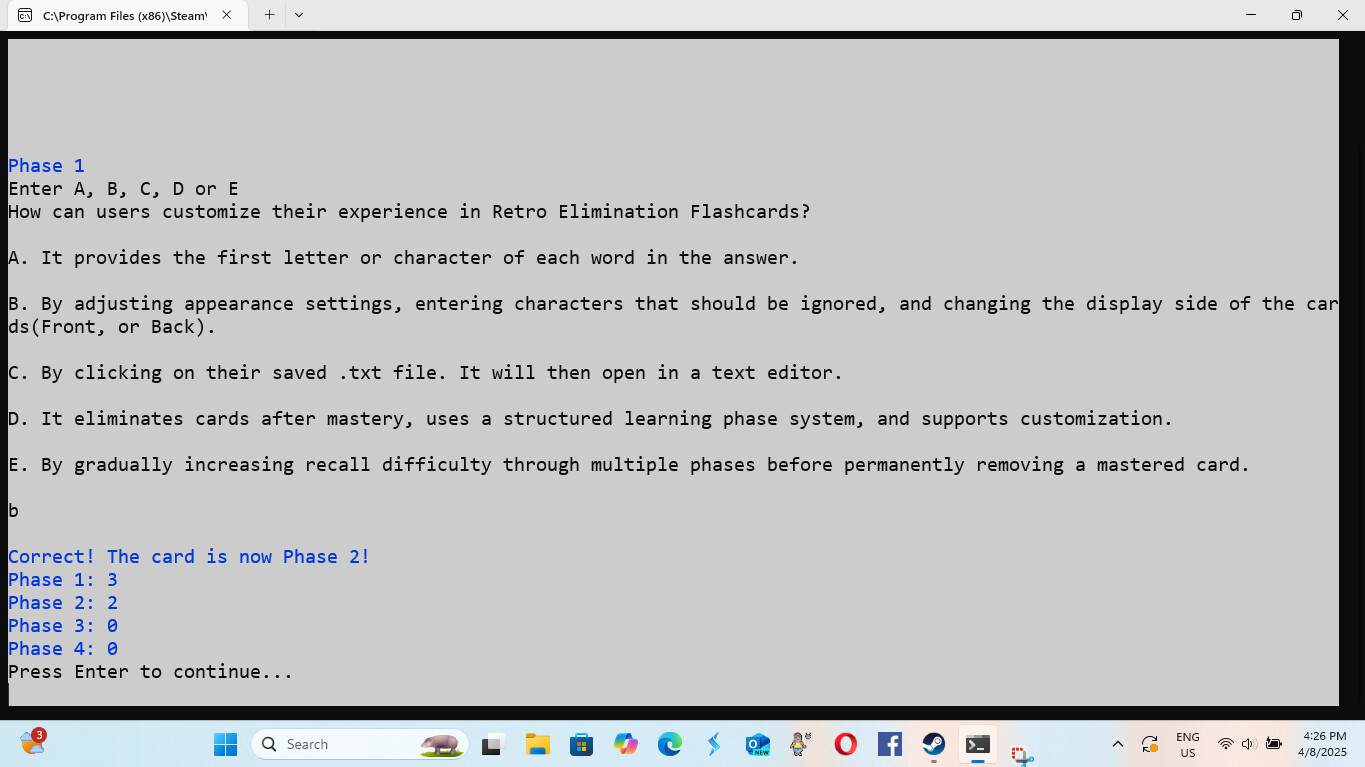
Note: The appearance of the software is customizable.
Note: On Windows 10, the character limit for each card side is 224 characters to ensure optimal performance.
Note: Windows 11 does not have a character limit for card sides, allowing for more flexibility in card creation.
Системные требования
- ОС: Windows 10
- ОС: Windows 11
Способ оплаты