




Trigwa


Способ оплаты


Купить Trigwa, игра на ПК | Steam
Вы приобретаете игру в Steam, которую получите ПОДАРКОМ на Ваш аккаунт. Это происходит автоматически 24\7 без праздников и выходных.Процесс получения гифта очень простой и занимает пару минут:
- После оплаты к вам в друзья Steam добавится бот. Пожалуйста, примите его в друзья, чтобы получить игру.
- После добавления, вам будет отправлен подарок в виде игры - нужно принять его.
- Игра у вас на аккаунте - можно играть.
Системные требования
- 64-разрядные процессор и операционная система
- ОС: Windows 10/11
- Место на диске: 94 MB
- 64-разрядные процессор и операционная система
Описание
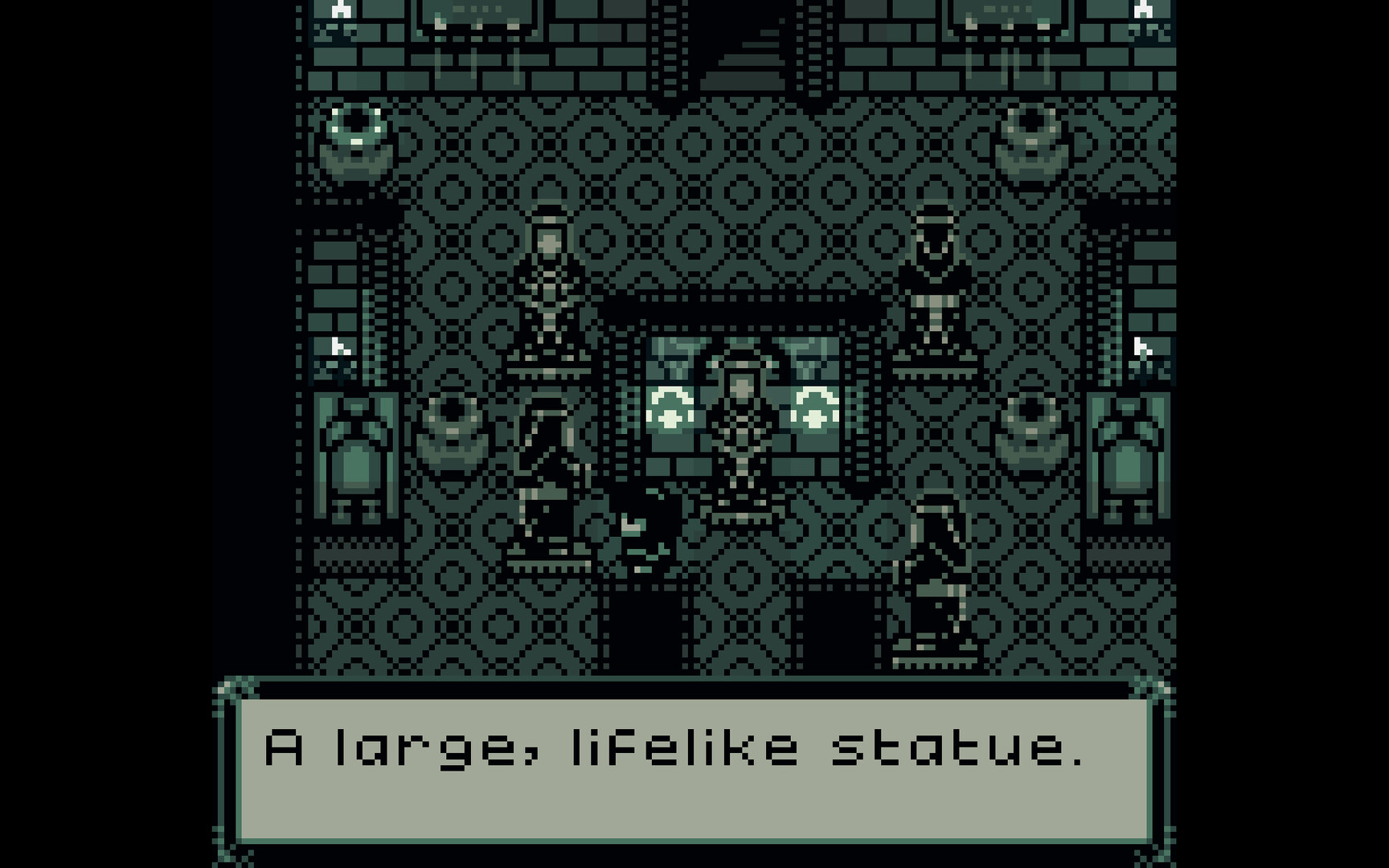
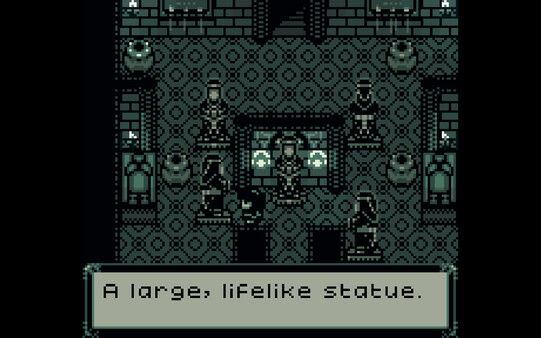
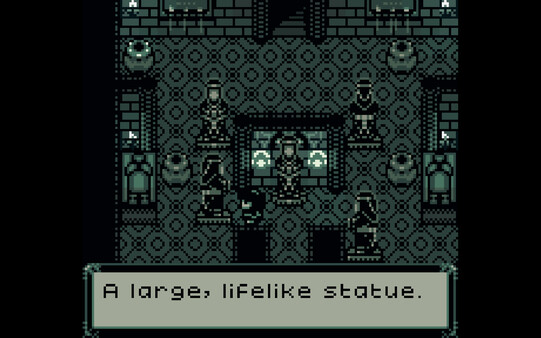
Trigwa is a problem solving game with a narrative.
You, as The Stranger, have heeded the call for help from a faraway land, shunned by most and known for its strange ways and obsession with its once greater past.
Solve puzzles in a vast underground tomb spanning several floors and unravel the history of the land, room by room, floor by floor.
How to play:
The game will run using GBCbag 2 by EASTPIXEL, a packing app for playing games made to run on a Game Boy.
Requires Windows 10/11. For Linux and macOS users, find the file game.gb in the folder "Game" and run it separately in an emulator (Sameboy, bgb or Mesen recommended).
GBCbag 2 Settings
Controls:
You can set up your preferred controls in Settings -> Controls and Video -> Input, but there are 4 pre-configured control schemes:
WASD + the Comma key (,) + the Period key (.) + Space bar and Left Ctrl
Arrow keys + C + X + Space bar + Left Ctrl
PS4 controller using the Dpad + X + Square + R1 + L1
Xbox controller using the Dpad + A + B + Start + Back
Screen:
Fullscreen can be toggled by pressing F11.
A few video filters are available in Settings -> Video Filter, and a larger choice of various filters can be set in Settings -> Controls and Video -> Video, and then by checking Override video filter.
Recommended settings are: Fullscreen, LCD Grid and Use bilinear interpolation, and under Controls and Video -> Video (enabled by default); Enable GBC LCD color emulation and Enable LCD frame blending.